How to take better photos for IsItGOLD?: distance and detail
How close to get, how much to crop, and the mistakes that cost you a usable result.
Marcel Buth · Co-founder, IsItGOLD?
· 2 min read

Blurry, distant and low-resolution photos are the most common reason a scan comes back vague or fails. Here is how to give the analysis enough to work with.
Distance: 10 to 30 cm
Somewhere between 10 and 30 cm from the object works for most pieces. Closer than that and many phone cameras cannot focus. Further and the object stops occupying enough of the frame to carry detail.
If the piece is very small — a thin chain, a small nugget, a stamp on a ring's inner band — use your phone's macro mode if it has one.
Fill the frame, but do not zoom
The object should take up a substantial part of the image, not sit as a speck in the middle of a large background.
Get physically closer rather than using digital zoom. Digital zoom crops and discards detail; moving the camera keeps it.
Crop, but keep useful context
You can crop after the fact, and you should — cut out fingers, clutter and empty space.
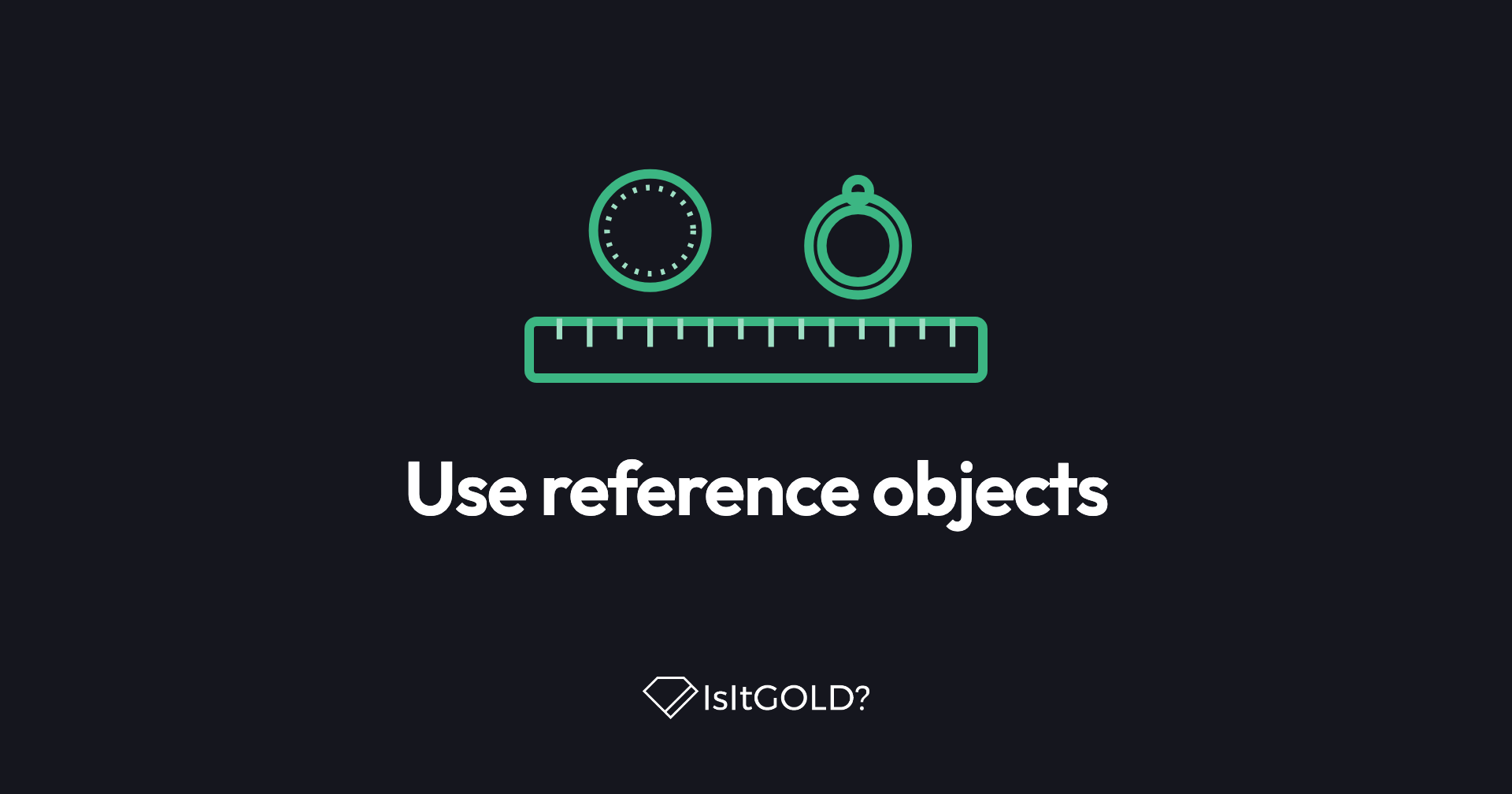
Keep what is informative, though. A workbench, a jeweller's tray or a tool in shot gives a sense of scale and setting. The rule is to remove what distracts and keep what explains.
Crop from a high-resolution original. Cropping hard into an already small image leaves you with pixels rather than detail.
Common mistakes
- Blur. Shaky hands or missed focus. Check the photo before submitting rather than after.
- The object too small in frame. Not enough pixels on the thing you are asking about.
- Glare. Reflections and flash on a polished surface hide exactly the surface you want read.
- Unreadable stamps. If you cannot read the hallmark on your own screen, retake it.
Editing is fine, filters are not
Adjusting brightness, contrast or crop in your phone's editor or a tool like Snapseed is genuinely helpful. Heavy filters are not — they alter the colour relationships the analysis is reading. Aim for a photo that looks like the object does in your hand.
Before you submit
- Is it sharp and in focus?
- Does the object fill a good part of the frame?
- Is the background neutral or genuinely helpful?
- Is the light even, with no glare?
- Is every stamp readable?
One more thing
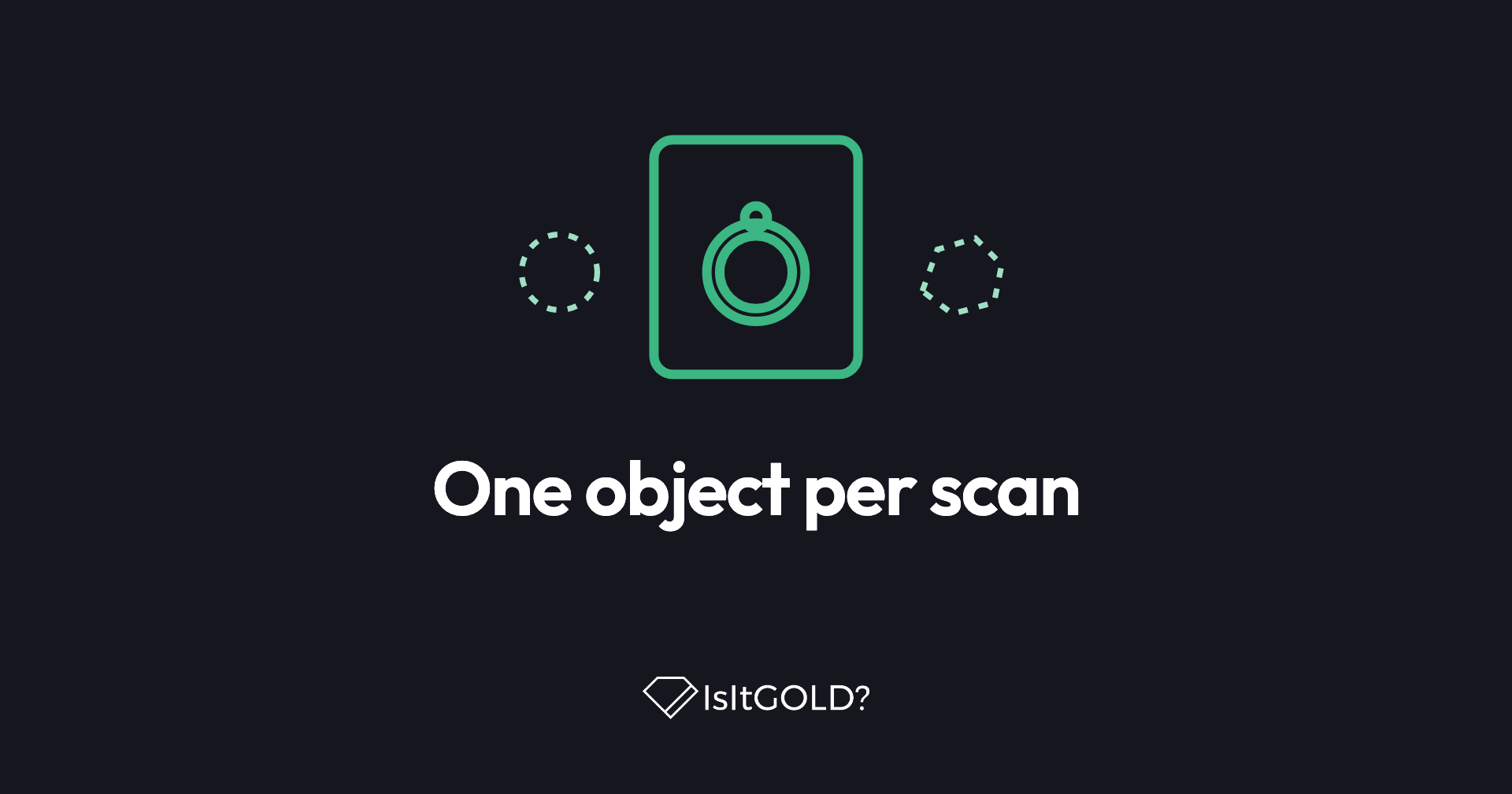
The guided scan takes multiple photos of the same object. Use that rather than trying to get everything into one perfect shot: the whole piece, the reverse, and a close-up of the marking. Three photos that each show something different beat one heroic attempt.