IsItGOLD? 2.5: a calibration paper for the guided scan
Version 2.5 replaces the calibration card with a printable sheet: a 5 mm grid for size, 24 colour patches for the light and a focus star. Plus fewer false photo warnings and a new isit.gold.
Marcel Buth · Co-founder, IsItGOLD?
· 3 min read
IsItGOLD? 2.5 is available in the App Store, on Google Play and as the web app at app.isit.gold. The biggest change sits next to the item rather than inside the app: a printable calibration paper that replaces the old calibration card.
Why a sheet instead of a card
A photo on its own cannot tell how big a piece is, what colour the light was, or how much the lens curved the picture. The calibration card we offered before gave the analysis one scale and two neutral patches, and on white paper the app could not find it. The new sheet is built so the app can find it by its printed structure, and it carries more to measure against.
What is on the sheet
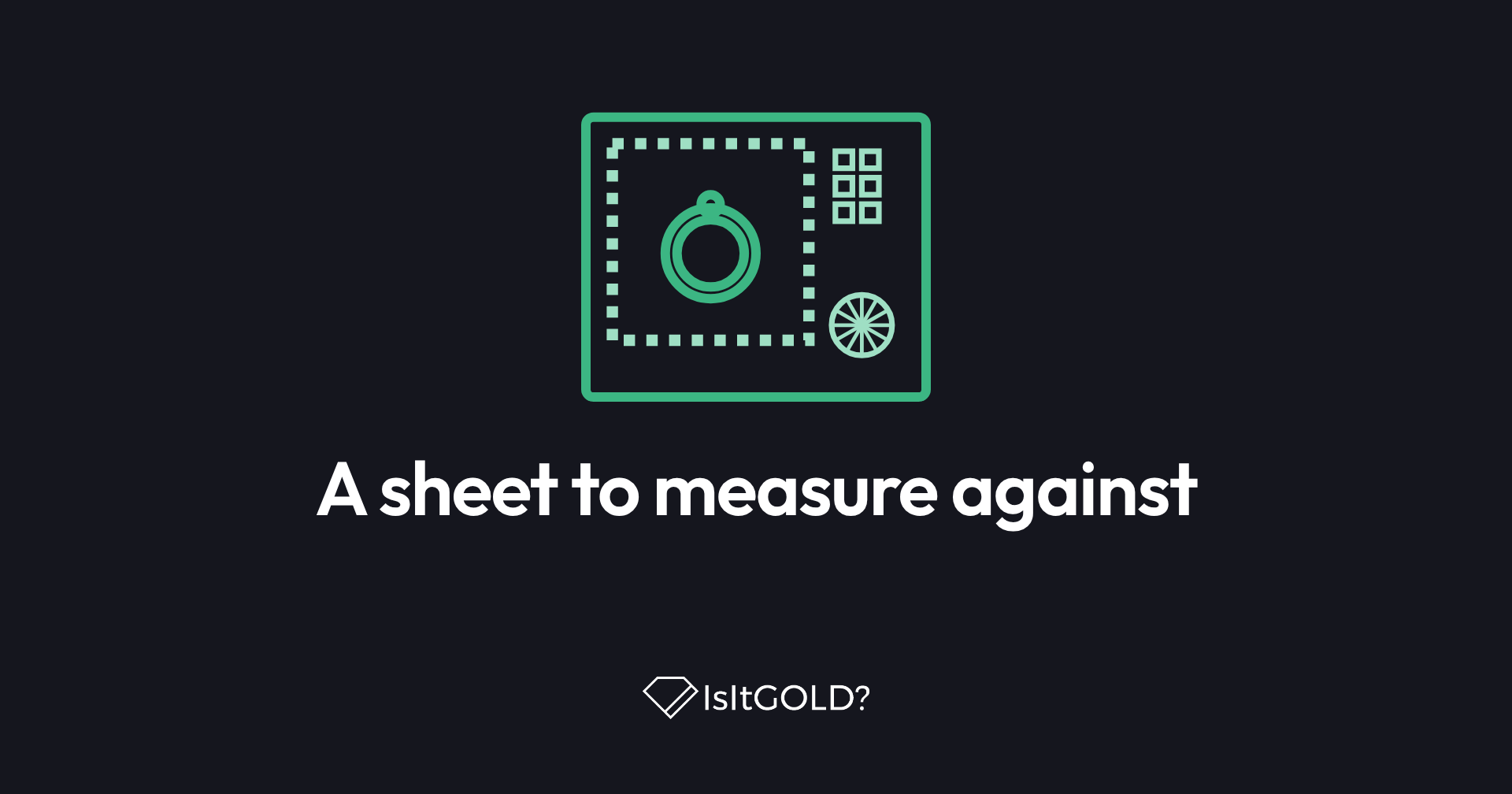
The paper, sheet CP1, has two zones. Zone S (70 × 95 mm) is for items up to 40 mm across: rings, earrings, coins and small pendants. Zone M (110 × 150 mm) is for items up to 85 mm: bracelets, watches and larger pendants. Coil chains loosely inside. Each zone has:
- A checker border of 5 mm squares, which gives a known size and shows lens distortion.
- Four corner codes, which mark the zone's corners and orientation.
- A colour chart with 24 patches of known colour, used to judge the light, so a warm lamp is less likely to make white gold look yellow.
- A focus star, whose fine wedges show whether the shot is sharp.
How to use it
Print the PDF in colour at 100%, never "fit to page", on plain matte white paper. Check the print against the bank-card outline (85.60 × 53.98 mm) or the 180 mm scale along the bottom edge.
Lay the sheet flat in soft, even daylight and place your piece inside the zone that fits it, away from the border and the chart. In the guided scan, choose Calibration paper as the reference object and keep the whole zone in the first shot. For items larger than zone M, put a bank card beside the piece instead.
The sheet comes in A4 and US Letter, with identical zones, in all eight app languages. The print link in the app opens the page in your language. You can also get the calibration paper here.
No printer?
A bank card, a €1 or €2 coin or a US quarter still works as a size reference. You get scale, but no colour chart and no grid.
What else is new in 2.5
- Good photos no longer get false quality warnings, and the camera focuses up close.
- The keyboard no longer covers the field you are typing in.
- The subscription screen no longer crashes on Android.
- On the web, a short question asks before we measure your visit. Saying no does not stop you from using the app.
A new isit.gold
Since 11 October 2026 the website has a new design. How it works now lets you swipe through the four shots of the guided scan, compare the reference objects drawn to scale, and download the calibration paper.
An estimate stays an estimate
The paper gives the analysis better information. It does not make an estimate certain. IsItGOLD? uses machine vision to estimate the metal and its fineness and, with the weight you add, shows an estimated value based on today's spot price. If a piece matters, have it tested independently.
Version 2.5.0 reached Google Play on 7 October 2026 and the App Store on 10 October 2026. The full release notes are in the app's What's New dialog.